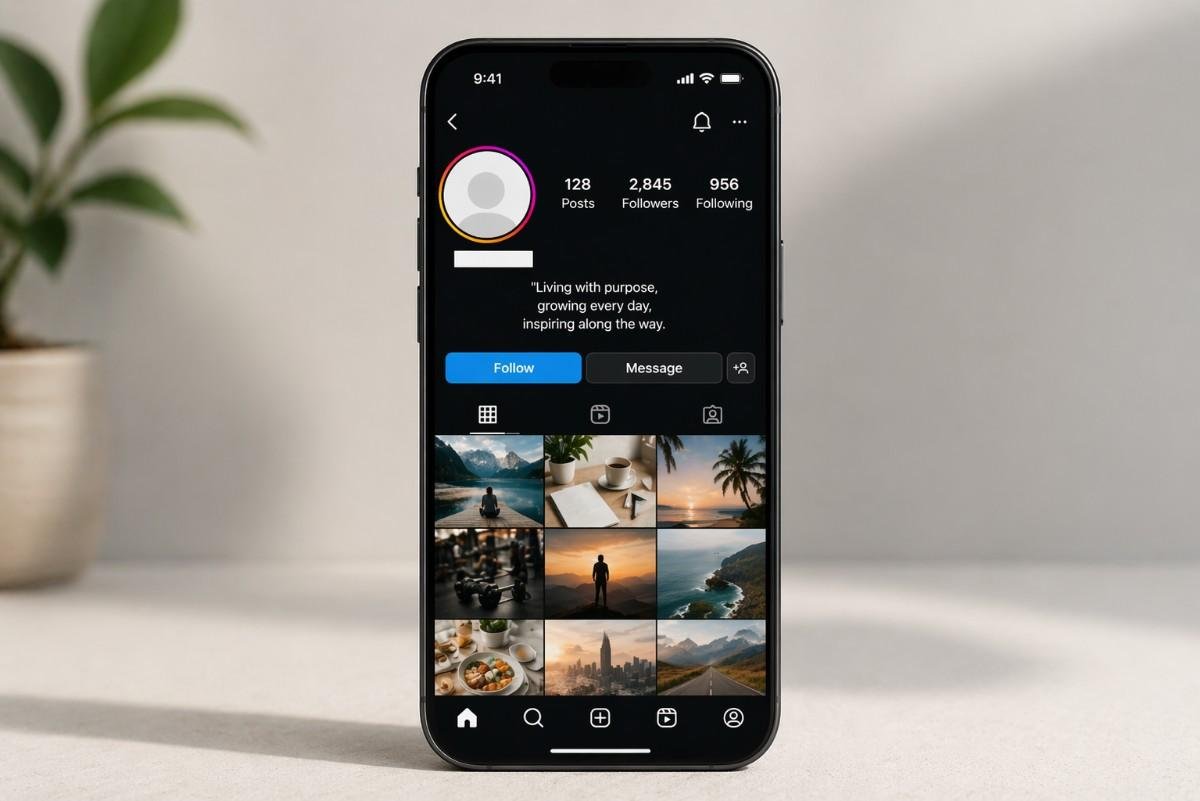
Minimalism is the ultimate luxury in the huge forest of social media, where each profile is a digital billboard vying to draw attention. Users no longer seek loudest emojis, boldest fonts, but a way to disrupt the usual appearance of such platforms as Instagram, Discord, and Tik Tok. It is not what one puts in that makes this clean and sophisticated aesthetics, but rather what one removes.
Nevertheless, what the majority of platforms do is to have a set of rules: you can not leave the Name field empty, and you cannot send a message by pure spaces. And herein the art of the Unicode blank space comes into play. You can overcome these limitations through the use of particular characters that are considered data to the computer but not to the human eye, so that you can make a profile that really makes a statement by saying nothing.
1. The Minimalism Effect: The Power of White Space
An invisible text usage has now evolved into a design trend and is not just a mere technical solution. It makes you feel like it is a mystery and seems professional when you go to a profile and find a blank name or a perfectly middle-centered bio with no clutter of bullet points.
The majority of apps are coded to reduce regular spaces (the ones you create using your spacebar) so that it does not cause an error in the database or spam. But, with special “Non-Breaking Spaces” or “Braille Blanks,” you can get the app to show a blank where you want it to be.
2. Platform-Specific Personalization Strategies
The Nameless Discord Identity
Communities are present in Discord, yet at times, you just need to be part of the shadows. A nickname change will not be possible in a standard space, but it will be in a blank Unicode character.
- Result: You can see your avatar in the sidebar and nothing beside it.
- The Advantage: It produces a smooth, ghost-like appearance that is especially favored in the gaming community and serves with a design-oriented orientation.
Instagram Bio Centering
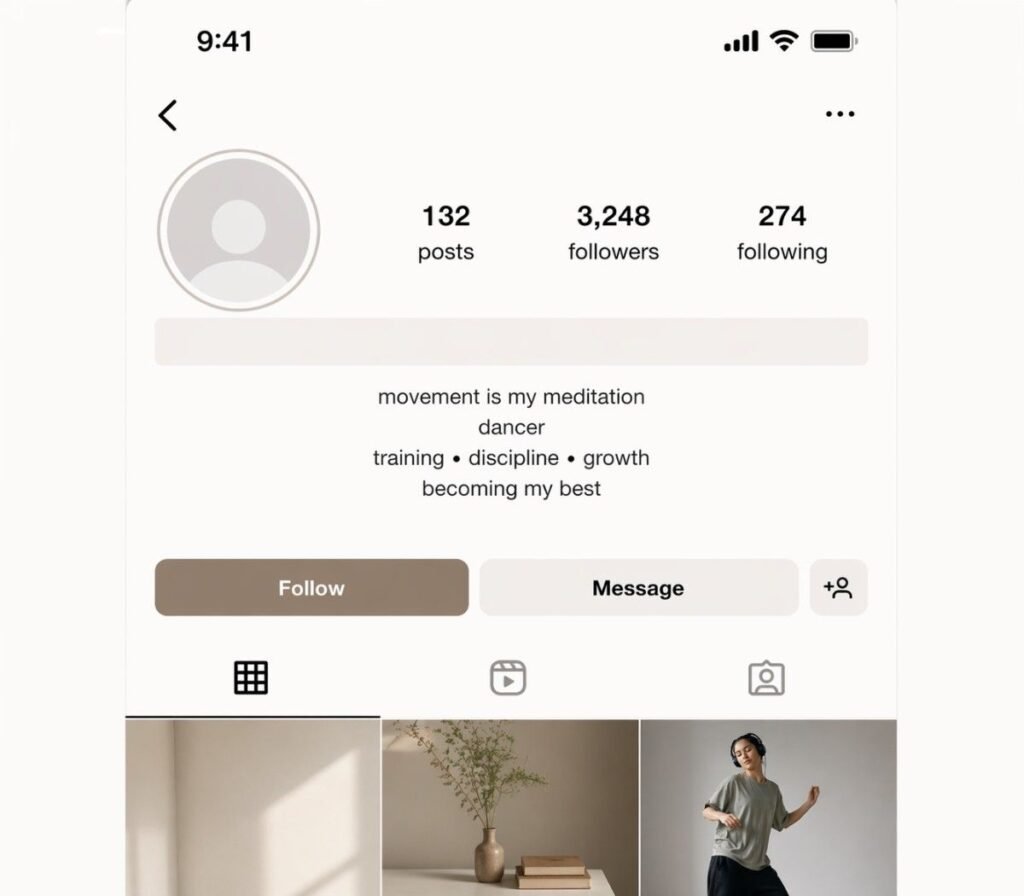
Instagram is infamous for aligning everything left in your bio. In case you need your text to be centered, the usual spaces will be removed as soon as you press the Save button.
- The Strategy: Put a blank space character before your text. It retains the indentation since the app treats it as a character, and not empty air.
- The Look: A well-balanced and symmetrical bio that appears to have been created by a professional.
Tik Tok and Twitter (X) Engagement
Have you ever encountered such a comment on a viral video, which has thousands of likes, yet there is no text on it? These blank comments tend to go viral just because they are puzzling and baffling to other users. It is an effective interaction device that motivates human beings to respond inquiring, “How did you do that?” A subtle way to increase social media follower count.
Technical Breakdown: The “Unnamed” Characters
The trick to this is that you must know that not all blanks are created equal. The most common characters to be used in customizing digital are compared here:
| Character Name | Unicode Hex | Common Use Case |
|---|---|---|
| Hangul Filler | $U+3164$ | Ideal in games and WhatsApp: “Empty” names. |
| Braille Pattern Blank | $U+2800$ | This would be very useful in overcoming filters on Instagram. |
| Zero Width Non-Joiner | $U+200C$ | Can be used to micro-space and disaggregate perceived alerts. |
| Medium Mathematical Space | $U+205F$ | Provides a larger gap for centering text in bios. |
Practical Implementation and Usage Safety
Everyday Messaging Hacks
In addition to profiles, empty areas are so helpful in everyday communication.
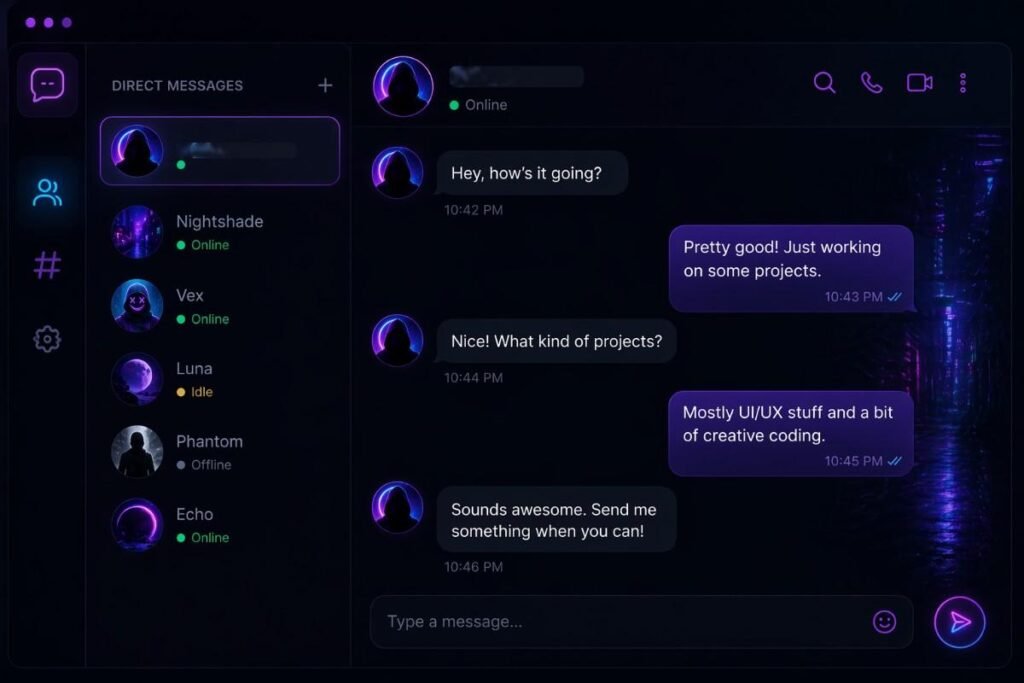
- Ghost Notifications: Compose an empty message to a friend. Their phone will buzz, but as they open the app, there is nothing there. It is the electronic version of a poke.
- Cleaner Lists: With invisible characters, make wide margins in the notes or long-form post in sites such as LinkedIn, where the content is easier to read without distracting symbols such as dashes or dots.
- Bypassing Character Counts: There are forums or contact forms with a minimum of 10 or 20 characters. And should you have a short answer, then you can fill in the remaining part of the requirement with invisible characters to enable you to submit the form without including the text of the fluff.
Safety and Terms of Service
The most frequent question is whether or not the use of these characters can lead to account suspension. In most cases, the answer is negative. It is not that you are hacking the system or stealing data, but just using the Unicode standard, a universally accepted system of text encoding, in an innovative manner.
Nonetheless, you are not to use these characters to impersonate others, or to circumvent security filters (attempting to conceal prohibited words, using invisible characters). You should be fair within the terms of service of most major apps, as long as you want to customize aesthetically or send ghost messages for fun.
Mastering Copy-and-Paste Efficiency
The character cannot be seen, so it might be difficult to copy it. Typically, you can find them on dedicated sites where a button labeled as “Copy to Clipboard” takes care of it. After copying it, it is strongly advised to save the character under your phone’s Text Replacement.
Pro Tip: Create a shortcut such as “bblank” to activate the invisible character. This means that you do not necessarily have to go out to find a site whenever you want to update your profile.
Personalizing your online world is a matter of design. The skill to employ an invisible text in establishing a sense of balance, symmetry, and mystery in a noisy world is a skill worth having as a social media fanatic. With the basic knowledge of how Unicode works, and the strength of blank spaces, you can turn a regular, messy profile into an iconic masterpiece of minimalism.